
Synthesia AI Video Generator Review 2026
Hey everyone, Dora here. I tested Synthesia wrong the first time.
I dropped a product brief in, watched an avatar speak it back to me in clean 1080p, and thought: great, Reels tomorrow. Then I exported. Then I opened the file in my editing stack. Then I sat there for twenty-two minutes doing everything Synthesia had deliberately not done—pacing the hook, burning in platform-native captions, cutting the dead air at the start, reformatting to 9:16 with subjects in the safe zone.
That's not a knock on Synthesia. That's me misreading what it's for.
After a few more rounds—across training content, product explainers, and some stubborn short-form experiments—I've got a clearer take on where it works and where it doesn't.
If you're producing corporate or L&D content at scale, it delivers. If you're expecting it to run your short-form social workflow end-to-end… this review has your answer. Just maybe not the one you're hoping for.
What Synthesia AI Video Generator Is
Avatar video vs generative video
These two things get mixed up constantly, and the confusion costs people real money and time.
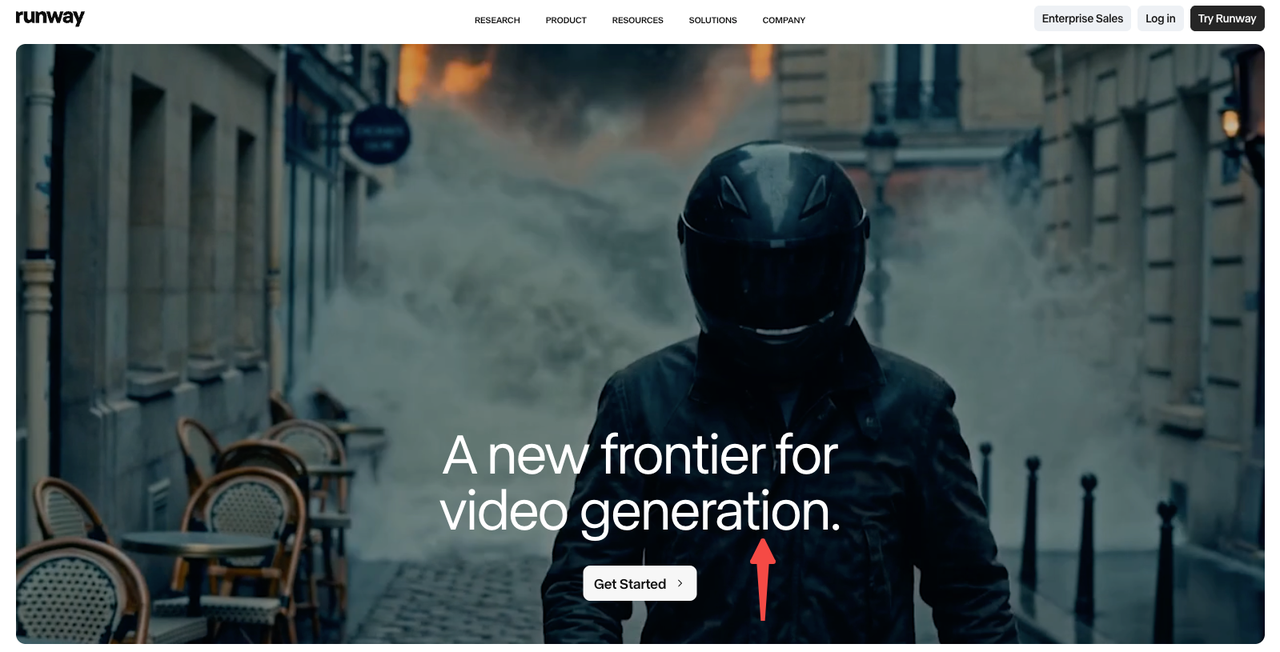
Generative video (Runway, Sora, Veo) creates scenes from scratch—text in, footage out. It's unpredictable in the best and worst ways.
Synthesia is avatar video: the Synthesia text to video workflow takes your script, assigns it to an AI presenter, keeps the camera fixed, and outputs something that looks like a polished talking-head recording. There are no fast cuts, no scene changes driven by visual logic, no music-reactive edits. The avatar is the content.
That distinction matters enormously for how you plan your workflow. Synthesia is not in the business of generating cinematic moments. It's in the business of replacing the human in front of the camera for content where consistency, localization, and iteration speed matter more than creative flair.
Who Synthesia is built for
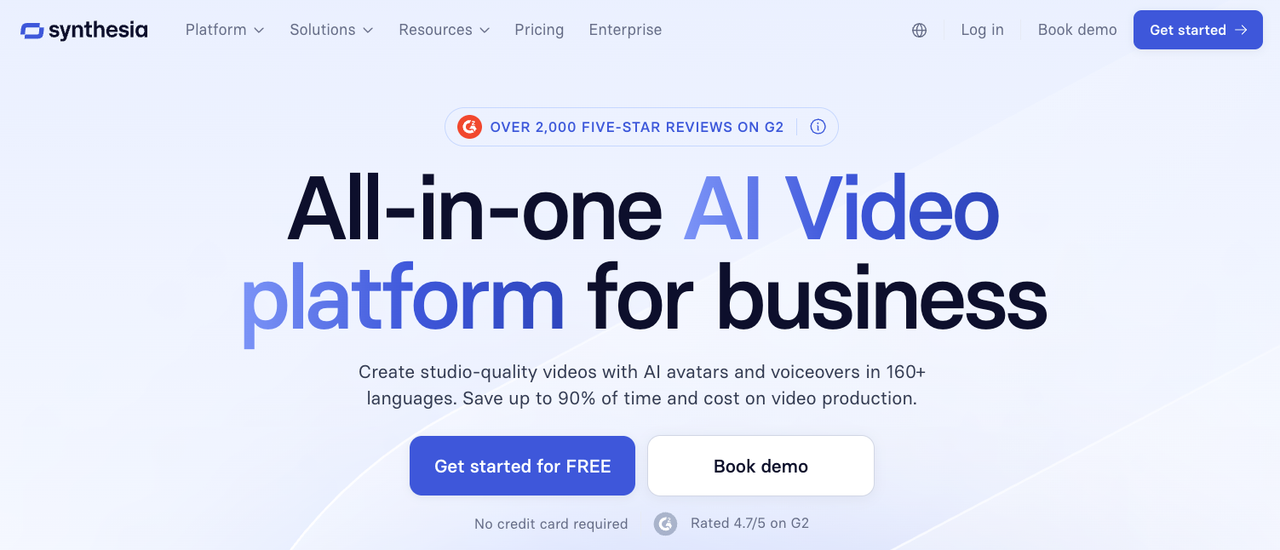
The honest answer in 2026: learning and development teams, HR, internal communications, and enterprise training operations. That's who Synthesia was designed for, and they serve those buyers extremely well. As an AI avatar video generator, it's purpose-built for scalable, consistent, presenter-led content—not for social-first creative workflows.
The Synthesia platform has crossed 60,000+ business customers including over 90% of the Fortune 100. It raised a $200M Series E in January 2026 at a $4 billion valuation. Those numbers reflect an enterprise product with enterprise priorities—not a tool optimized for a solo creator's Reels cadence.
If you're a marketer or small-team creator evaluating Synthesia for social, you can make it work for specific use cases. But you'll be working around its design, not with it.
Best Use Cases in 2026
Training videos
This is where Synthesia genuinely shines—and by a comfortable margin. As an AI training video generator, the core value proposition is iteration without reshoots: update a script line, click generate, corrected video in minutes. One university reported a 35% reduction in production time versus their previous workflow. For L&D teams producing dozens of multilingual modules a year, that math adds up fast.
Product explainers
Clean, polished, presenter-led product walkthroughs are a strong use case. The avatar never has a bad take, the delivery is consistent, and you can regenerate a scene without touching anything else in the project. For SaaS onboarding flows or help center content, this is useful.
Sales enablement clips
Personalized video at scale—same script, different avatar language or regional accent—is genuinely valuable for global sales teams. The 160+ language support with AI dubbing is not matched by most competitors in 2026.
Short-form repurposing
Here's where I have to be direct: Synthesia can be part of a short-form workflow. It cannot be the short-form workflow.
What it does: gives you a clean talking-head export with a professional-looking avatar delivering your script.
What it doesn't do: hook pacing, platform-native caption formatting, safe-zone optimization for 9:16, fast-cut editing, music sync, or any of the things that determine whether a Reel actually performs.
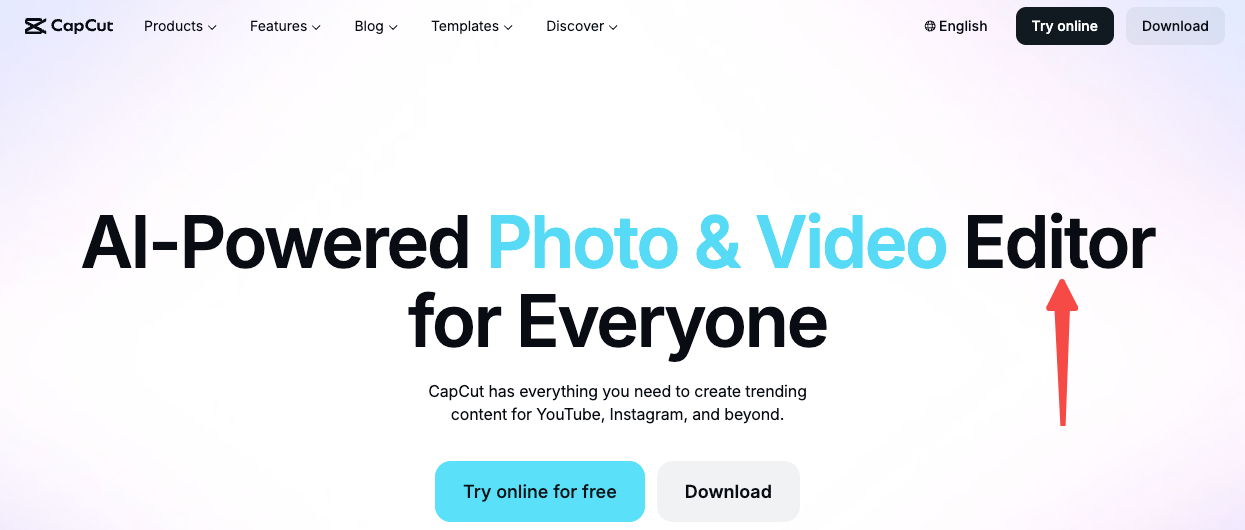
You can export from Synthesia and take it into CapCut or another editor. Some teams do this successfully. But you're adding a step, not removing one.
Workflow From Script to Published Clip
Script input
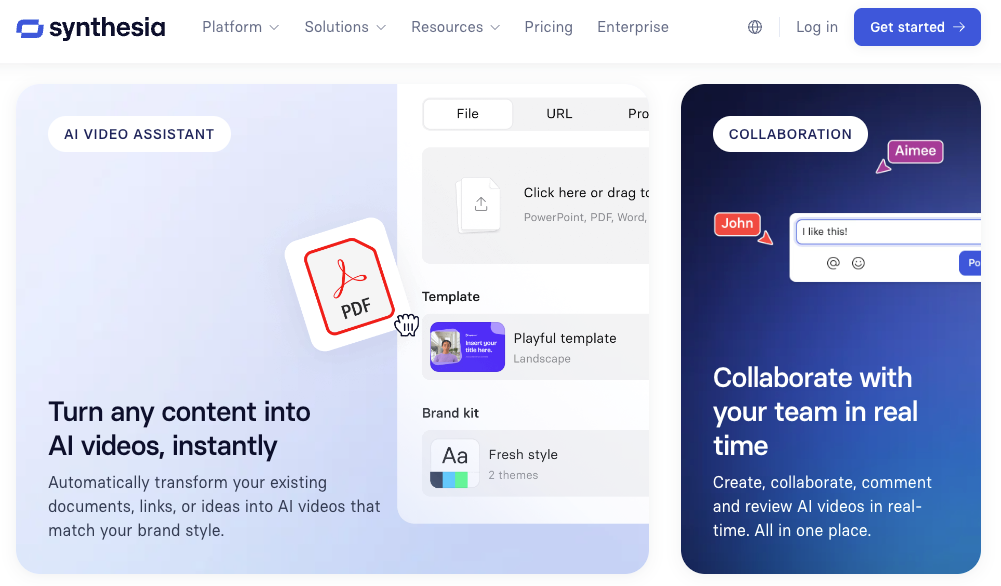
Synthesia accepts text prompts, written scripts, PowerPoint files, and PDFs. The AI assistant can draft a video structure from your input—useful when you have source material but not a finished script. The interface is browser-based. No downloads.
Avatar and voice selection
In 2026, Synthesia offers 240+ stock avatars across 160+ languages. The free plan gives access to 9 avatars with a watermark. Starter ($18–22/month annually) opens 125+ avatars. Creator ($64–89/month annually) adds personal avatar creation and multiple avatars per scene.
Custom avatars—where you record 5–10 minutes of consent video and Synthesia builds a digital clone—are available at the Creator tier, with Studio Avatar quality upgrades running approximately $1,000/year. That's a number worth knowing before you budget.
Captions and brand review
Auto-captions exist inside Synthesia's editor. They're functional for corporate contexts. They are not designed for the safe-zone requirements of TikTok (top 120px, right-side action column, bottom 250px caption block) or Instagram Reels. If you're repurposing for social, you'll need to reformat captions in your editing tool after export. Per TikTok's 2026 video specs, the central safe zone is the only reliable placement for readable text across the For You feed.
Short-form cutdowns for Reels, Shorts, and LinkedIn
Synthesia exports in 16:9 by default. There's no built-in 9:16 template workflow for Reels or Shorts. You can set avatar backgrounds and scenes to vertical formats, but you're configuring this manually rather than working within a platform-native short-form editing environment.
LinkedIn video works more naturally with Synthesia output—the presentation style maps better to professional feed content than to entertainment-first platforms.
Pros and Limits
Where Synthesia saves time
Script updates without reshoots. You edit text; the video regenerates. For iterative corporate content, this is significant.
Multilingual output without separate voice talent. A compliance training module in 12 languages that would have required 12 recording sessions now generates in a fraction of the time.
Consistency at scale. Same avatar, same delivery quality, across hundreds of clips.
Where it feels less native to TikTok and Reels
The format mismatch is structural, not cosmetic. As one direct analysis put it: "Synthesia is built for a person standing in a frame, talking to a camera, with optional slides behind them. Reels and TikToks are not that shape. They are quick cuts, on-screen text, B-roll, music. You can force Synthesia into that mold, but you feel it in every export."
That framing is accurate to my testing. The avatars are professional presenters, not UGC creators. The pacing is deliberate, not scroll-optimized. The output has the kind of polish that corporate content expects and short-form platforms sometimes penalize.
What still needs editing after export
Hook timing (first 2-3 seconds for TikTok, first 1-2 seconds for Reels)
Caption reformatting for safe zones
Aspect ratio conversion if going to 9:16
Any fast-cut editing, B-roll insertion, or music
Thumbnails optimized for each platform
These aren't huge tasks individually. But if you're producing at volume—say, five platform-formatted clips per week from one Synthesia source file—they add up to a meaningful chunk of post-production time that Synthesia doesn't eliminate.
What Synthesia Still Does Not Solve
Hook pacing for short-form platforms
The avatar opens, introduces itself or the topic, and proceeds. There's no mechanism inside Synthesia to structure the first three seconds around a scroll-stopping visual hook. That's an editing decision that happens outside the tool.
Short-form platform algorithms reward completion rate—TikTok's projected engagement rate hits 3.15% in 2026, but only for content that clears the first-second threshold. Synthesia doesn't help you clear it; it helps you record what comes after.
Platform-native captions and safe zones
Synthesia's caption rendering is designed for the video frame, not for mobile UI overlays. Getting this right for TikTok, Reels, and Shorts requires a separate pass. This is a real cost if your team doesn't already have an editing workflow that handles it.
Turning formal avatar videos into scroll-stopping clips
This is the core gap. A Synthesia video looks polished and credible. Scroll-stopping short-form content often looks raw, immediate, and personal. Getting from one to the other requires editorial judgment that no tool automates—you're deciding which 15 seconds of a 3-minute video is worth posting, what the hook frame looks like, and whether the delivery matches the energy of the platform you're publishing on.
Alternatives to Consider
HeyGen
If you want avatar video with more expressiveness for social and marketing use cases, HeyGen is the most direct competitor. Pricing starts at $24/month annually. Avatar quality has been upgraded significantly in 2026 and the tool has a stronger track record for marketing-adjacent content.
Pictory
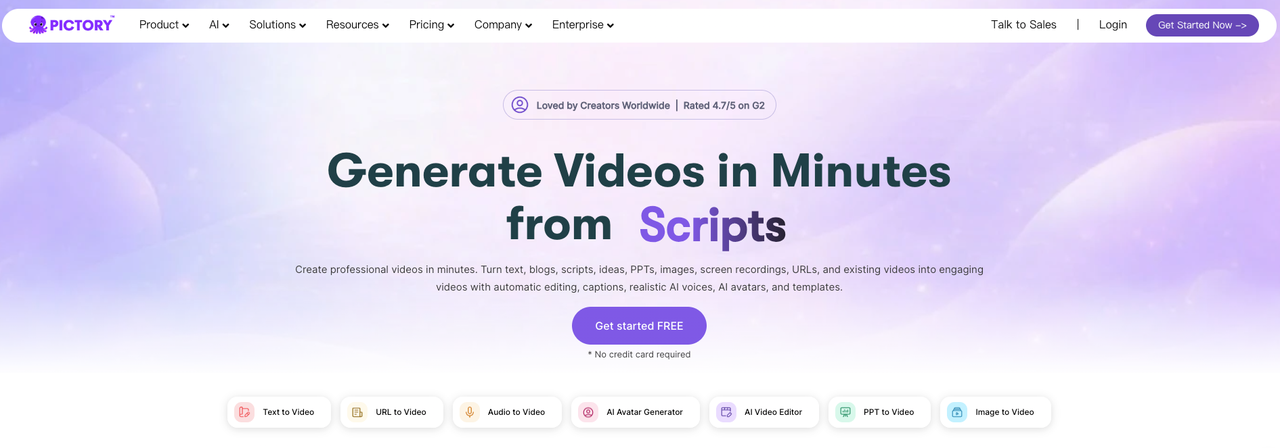
For teams that want to turn long-form content (webinars, podcasts, recorded sessions) into short clips, Pictory uses AI to identify the most engaging segments and builds cutdowns automatically. It's a different problem than Synthesia solves—repurposing existing footage rather than generating new avatar video—but for short-form content pipelines, it may be closer to what you actually need.
NemoVideo-style short-form editors
If your primary workflow is short-form video production—turning product links, talking-head footage, scripts, and reference content into publish-ready drafts with platform-native formatting—conversational editing tools designed specifically for that workflow handle the entire pipeline that Synthesia leaves to other tools. Think: input, draft, captions, variants, export. That's a different category than avatar video.
FAQ
Is Synthesia good for social media or short-form repurposing in 2026?
For LinkedIn or talking-head explainers, yes. For TikTok/Reels at scale, no—it's only part of the workflow and requires post-editing.
Can Synthesia replace filming for training or marketing videos?
For training, yes—this is what it was built for. For marketing video that needs to perform in paid social (Meta, TikTok), the stock avatar licensing terms require written consent from Synthesia for promoted content. Check the acceptable use policy before building a paid ad workflow around stock avatars.
Is Synthesia free in 2026, and what are the actual limits?
The free plan gives 3 minutes of video per month, 9 avatars, and a Synthesia watermark. It's enough to test the output quality. It's not enough for production use. Starter runs $18/month annually ($29/month billed monthly)—note the 32% premium for monthly billing. Creator is $64–89/month depending on billing cycle. Studio Avatar quality upgrades are approximately $1,000/year additional.
Can you use Synthesia videos commercially?
Videos you create belong to you, and Synthesia does indemnify customers against IP claims related to stock avatar use. However, using stock avatars for promoted social media advertising requires explicit written consent from Synthesia. Custom avatars have more flexible terms. Read the video licensing documentation before assuming commercial use rights are blanket.
How well does Synthesia support turning long videos into Reels or Shorts?
It doesn't, directly. Synthesia generates from scripts—it's not a clipping or repurposing tool. If you have a 20-minute Synthesia training video and want to extract three Reels from it, you're exporting and editing in a different tool. Tools like Pictory or OpusClip are designed for that repurposing workflow.
Conclusion
Synthesia is worth it for teams producing structured, multilingual, presenter-led content at scale. The 160+ language support and fast iteration make it especially strong for training, internal comms, and product explainers.
But it's not a short-form video tool. It doesn't handle hooks, captions, pacing, or editing for TikTok and Reels. You can use it as an input—but not as the full workflow.
Worth trying if you're producing training or multilingual content at scale. If you're not, look at the alternatives section first.
Previous Posts: