
What Is an AI Video Agent? Anijam and the Creator Stack
Hi, I'm Dora — I almost bought a subscription to Anijam last month.
Didn't — but spent three evenings reading everything I could find.
The phrase "Cursor for video" kept coming up. That comparison — Cursor turned coding into natural-language conversation rather than raw syntax — was the first time I understood what these tools were actually trying to be.
This isn't an Anijam review. It's a breakdown of what an AI video agent is, what the category looks like in 2026, and whether any of it is actually useful for TikTok, Reels, or Shorts creators.
Useful — but probably not in the way you'd expect.
What Is an AI Video Agent?
The "Cursor for video" framing — and what it actually means
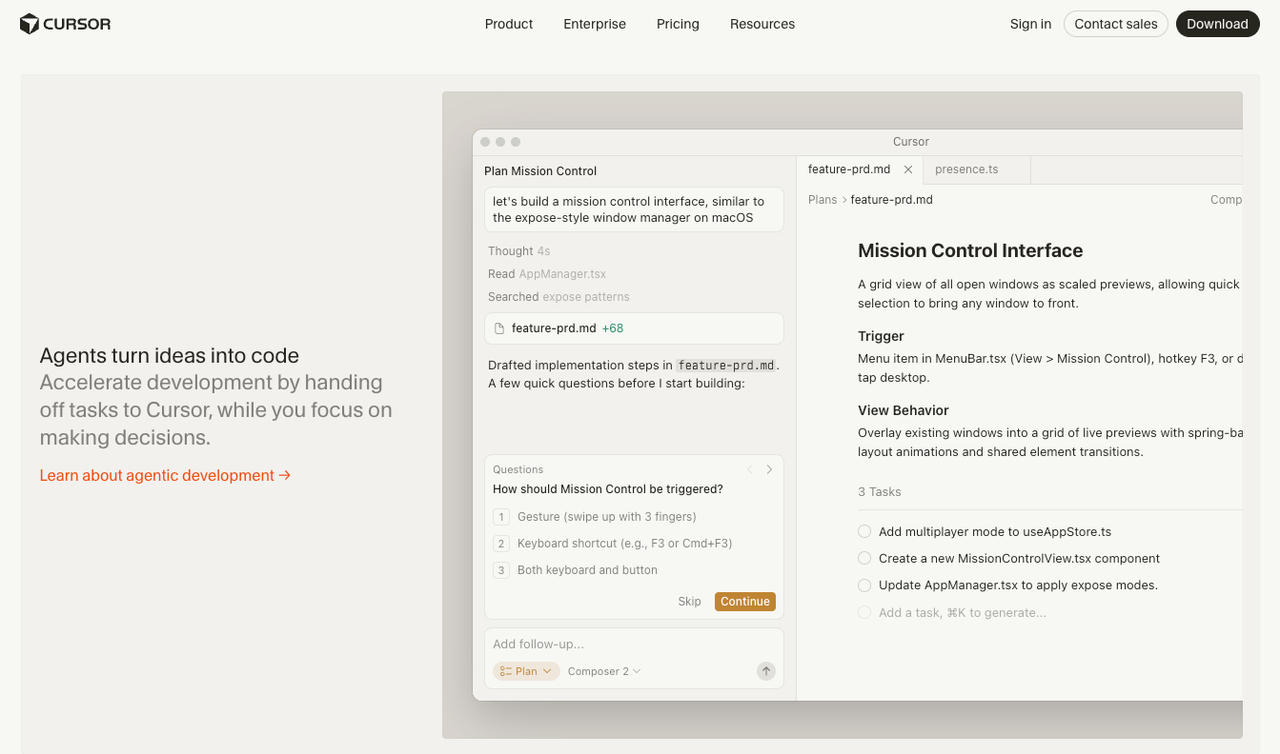
Cursor didn't replace programming — it made it feel like directing. Describe what you want; the tool translates it into working code. Blank-page problem disappears.
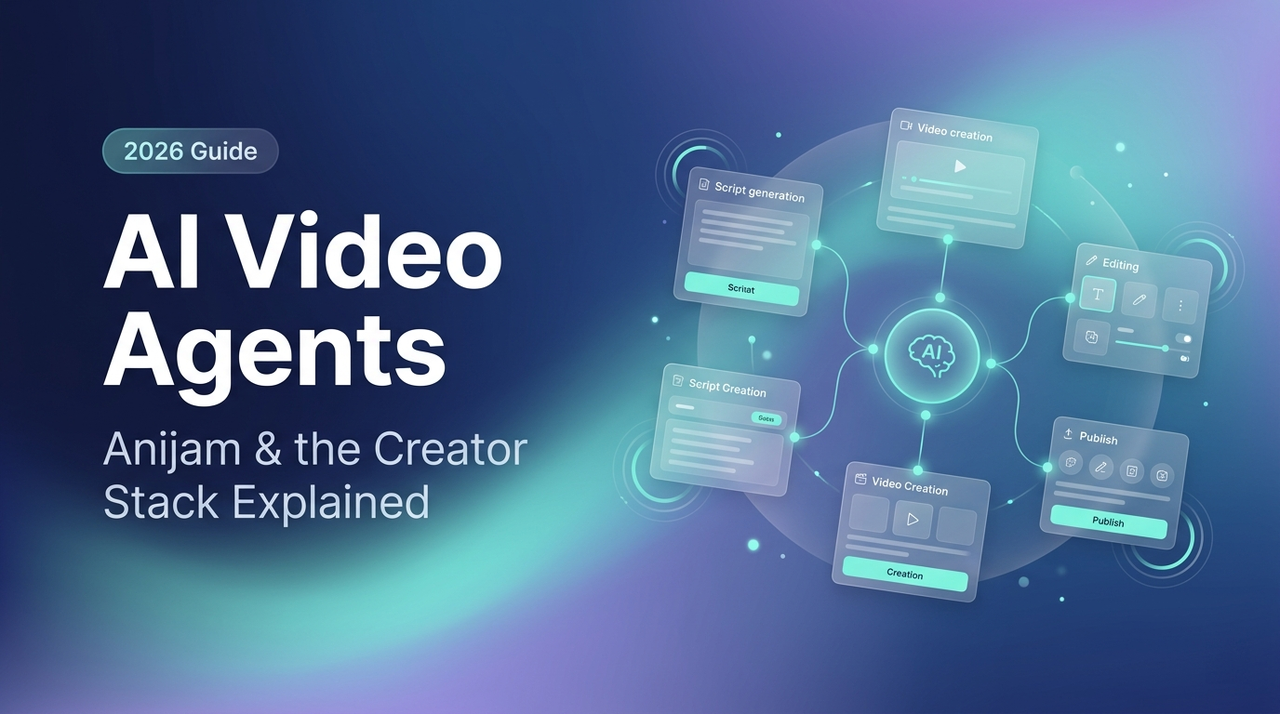
An ai video agent tries the same for video. Instead of dragging clips around a timeline, you describe the story and characters. The agent handles the pipeline.
How an agent differs from a text-to-video model
A text-to-video model — Kling, Sora, Pika — produces a single clip from a prompt. No memory of what came before, no knowledge of your characters, no pipeline. It does one thing.
An ai video agent wraps around that step. It maintains character profiles, tracks scene sequences, and can be told "change the lighting in scene 3 without touching anything else." The generation models become tools the agent calls.
Practical difference: a generator gives you a clip to assemble elsewhere. An agent hands you a draft already assembled — timeline, structure, revision path included. This distinction is at the core of the ai video agent vs generator debate — structure and memory versus single-shot output.
Storyboard → keyframe → clip — the pipeline an agent stitches together
A typical agent workflow moves through four stages, with room to intervene at each:
Story / script — describe the concept; agent generates a script broken into scenes with camera directions
Character and style lock — define visual identity once; agent preserves it across all scenes
Clip generation — agent calls whichever video model handles the chosen style
Timeline assembly — clips land in a real editor with sync, lip-sync, and audio already threaded
That's the promise. Execution varies significantly by tool.
How AI Video Agents Actually Work
Natural-language prompt to full draft, in one canvas
Most agents use a canvas — not a traditional timeline — where you see the storyboard, generated scenes, and edit controls at once. You type instructions: "Make the second scene longer." "Give the character a blue jacket." This is essentially a chat to edit video workflow — you describe changes instead of manually editing a timeline. The agent propagates changes through the relevant parts of the project. That's what separates it from an AI sidebar bolted onto Final Cut.
Localized edits vs full re-generation (the "no more re-roll" promise)
Early AI video tools had one failure mode: if you didn't like the output, you re-rolled everything. Change one word, generate again, hope for better.
Agents bet on localized editing — change the background in scene 2 without rebuilding the project. Most tools are partial solutions right now: simple swaps work cleanly, complex edits still trigger a near-full re-gen. Worth testing before committing.
Creative memory — why agents are betting on personalization
The longer-term play is memory: your brand style, recurring characters, preferred pacing. More context held = less you re-explain each session. Still aspirational in 2026 — session memory is short in most tools — but it's where the category is heading.
Who's Building in This Category (2026)
Anijam — animation-first, long-form-focused
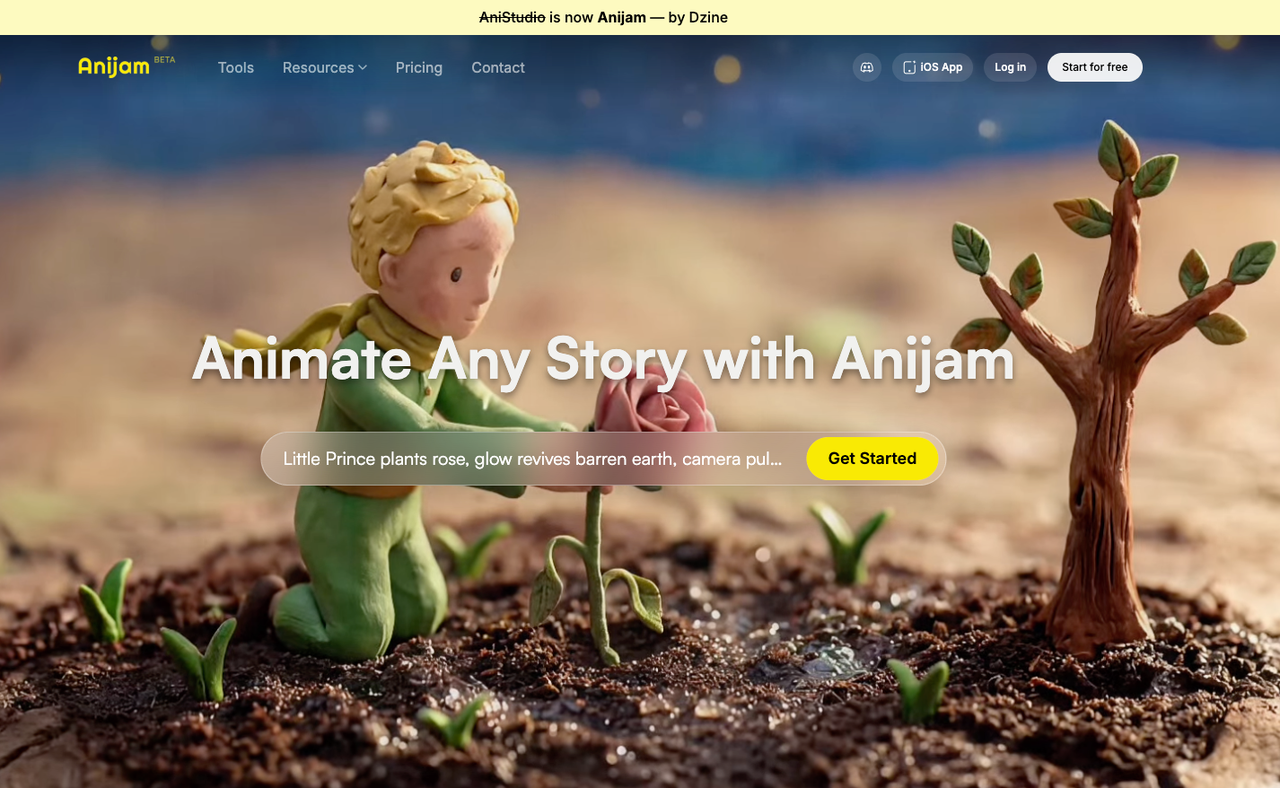
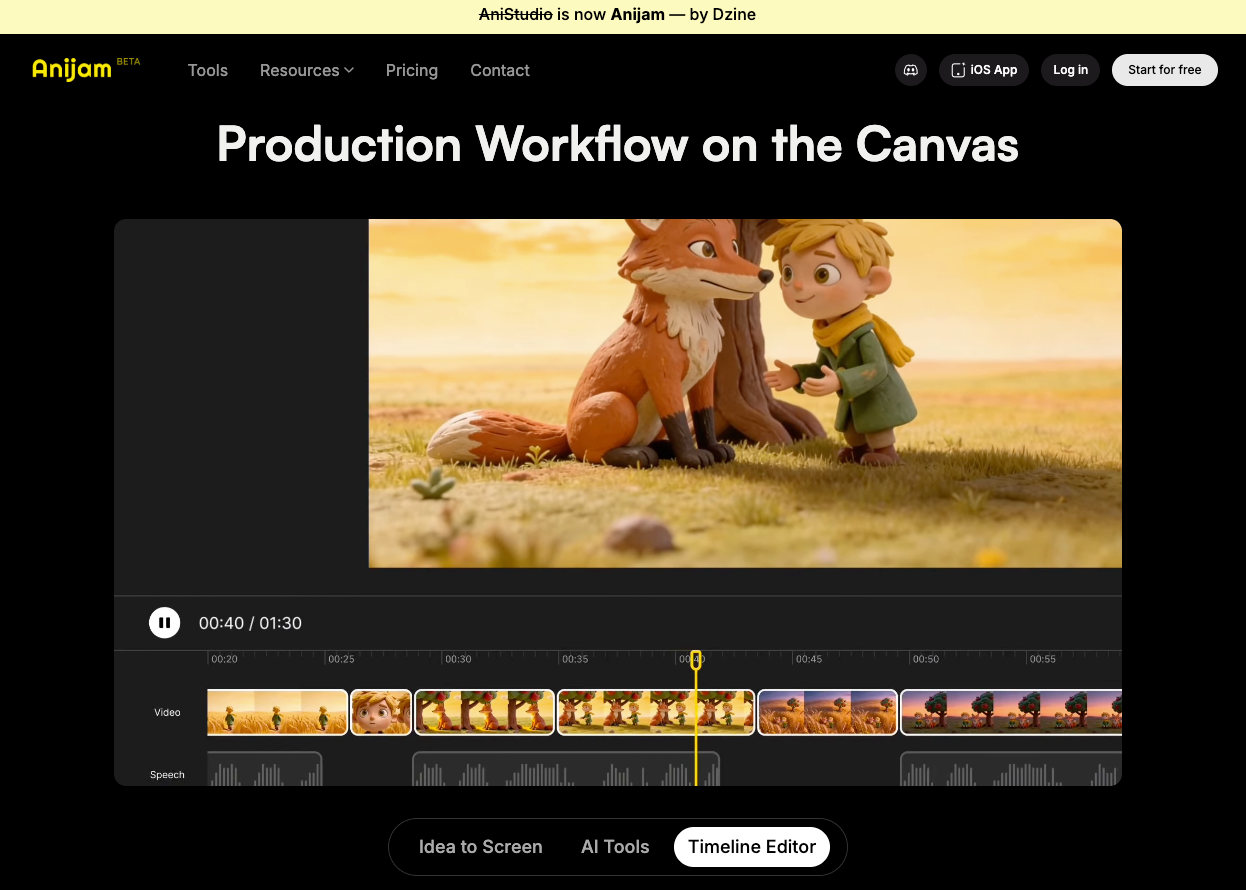
Anijam (formerly AniStudio by Dzine, rebranded in early 2026) is the most fully-realized ai video agent publicly available — if your format is animation. Anijam AI is currently one of the few tools attempting to package the entire animation workflow into a single agent-driven system.
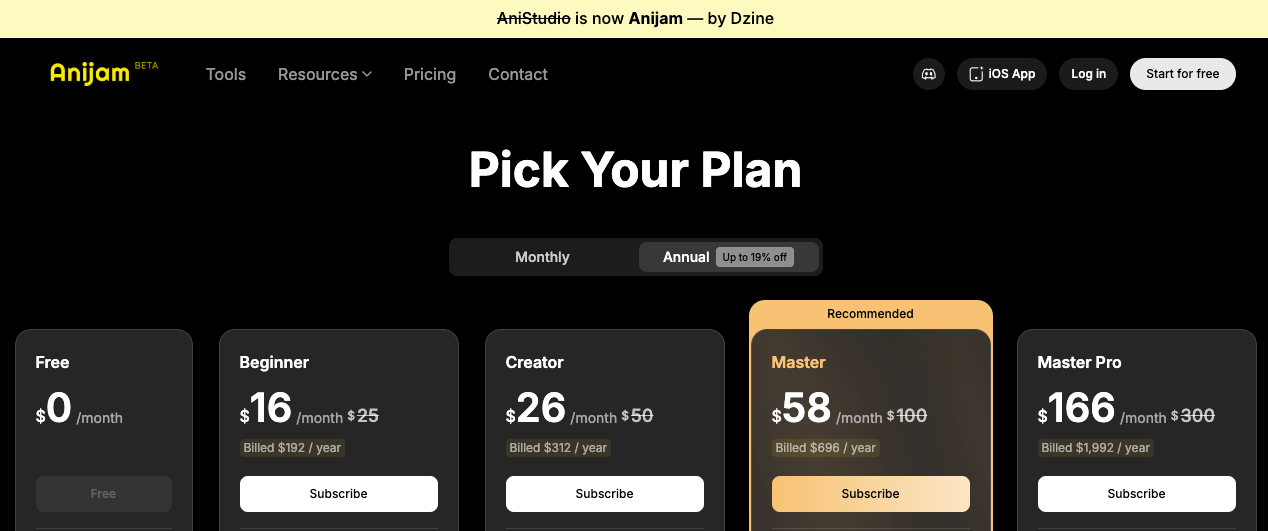
Built around animated content: character design, scene-by-scene breakdown, character consistency, lip sync, and a real timeline editor. Per their pricing page as of May 2026: free (720p, watermarked, non-commercial), $16/month Beginner, $26/month Creator (1080p + Seedance 2.0), $58/month Master. Annual billing saves ~19%. Routes to Kling and Seedance depending on scene requirements.
For explainer videos and animated product stories, the pipeline works. What it doesn't do: real-footage short-form editing. Not built for talking-head-plus-product-overlay workflows. The autonomous "AI director" mentioned in early interviews appears to be roadmap, not live. The idea of a true ai director agent — one that can manage scenes and decisions end-to-end — is still largely aspirational in 2026.
Other agents creators are testing (Buzzy, Pixelle-Video, CutClaw — brief mentions only)
A few other names: Buzzy targets short-form marketing content (earlier-stage); Pixelle-Video leans toward branded video at scale; CutClaw focuses on editing-assistance over generation. Each has standalone coverage elsewhere — the point is that "ai video agent" covers a wide range of actual products.
Where AI video agents sit vs traditional AI video generators
Three tiers: Single-clip generators (Kling, Pika, Sora) — fast, no project memory. Editing-assistance tools (CapCut AI, VEED AI) — work on footage you already have, AI-assisted cuts, still mostly manual assembly. AI video agents (Anijam, others) — multi-scene, maintains context, manages pipeline — currently strongest in animation. The gap between tiers two and three is closing fast.
What This Means for Short-Form Creators
Where agents help today: ideation, storyboard, batch concepting
The most useful thing an ai video agent can do for short-form creators happens before the timeline. Describe a product, a hook angle, and a platform — get back a scene breakdown with camera directions and a draft script. Not a final output, but faster than blank.
For creators batch-producing 5–10 videos a day, this is where the leverage is. Generate 8 structure variations on the same product angle, pick the two worth developing. The bottleneck for most high-volume creators isn't editing speed — it's ideation.
Where they fall short: 9:16 native output, hook pacing, platform-ready captions
Current ai video agents have real gaps for pure TikTok / Reels / Shorts production. Native 9:16 output is inconsistent — framing logic isn't optimized for short-form patterns. Hook pacing is something no agent handles; "what happens in the first 1.5 seconds" doesn't live at the script level. Platform-ready captions — styled burn-in TikTok captions — are absent or basic in most. Still the territory of dedicated editing tools.
Agent as pre-production partner, editor as final delivery tool
The framing that holds: an ai video agent is most useful as a pre-production and first-draft partner, not the final delivery tool. Generate structure, test variations, get a rough scaffold — then bring it into your editing workflow for captions, pacing, and format. A first-draft machine you edit from, not a publishing pipeline.
How to plug an agent into a TikTok / Reels / Shorts workflow
Ideation — generate 5–8 hook angles or scene structures
Script first draft — agent-generated, human-edited (especially the first 3 seconds)
B-roll concepting — for animated content, agent generates reference visuals; for live footage, use as shot lists
Final edit — your editing stack handles captions, pacing, delivery format
Limitations to Know Before You Try One
Generation time vs publishing speed
Anijam's generation for a full animated sequence runs several minutes per scene. At 5–10 real-footage videos a day, that turnaround doesn't fit the cadence. Speed trades off against depth. Know which you need before subscribing.
Edit precision is still patchy on complex scenes
Changing a character's outfit across all scenes? Works. Adjusting one specific 3-second window without touching anything else? Inconsistent. Re-edit rate on agent output runs 40–50% — drops with better prompting, doesn't disappear.
Pricing tiers and credit ceilings (varies widely by tool)
Credit ceilings matter more than the headline price. On Anijam's Creator plan ($26/month annually), 6,000 credits buys ~250 seconds of 1080p video per month. For batch short-form that runs out fast. Verify limits before subscribing — allocations change.
FAQ
Can I use AI video agents to make TikTok or Reels videos?
Partially. For animated or stylized content, yes. For real-footage workflows — talking-head, UGC, product demos — use agents as pre-production tools. Final delivery still needs a footage-first editing layer.
Is Anijam available now and how much does it cost?
Live as of May 2026. Free / $16 / $26 / $58 per month, ~19% off annually. Free is 720p, watermarked, non-commercial. Verify at Anijam's pricing page — credit allocations change.
How is an AI video agent different from CapCut's AI features?
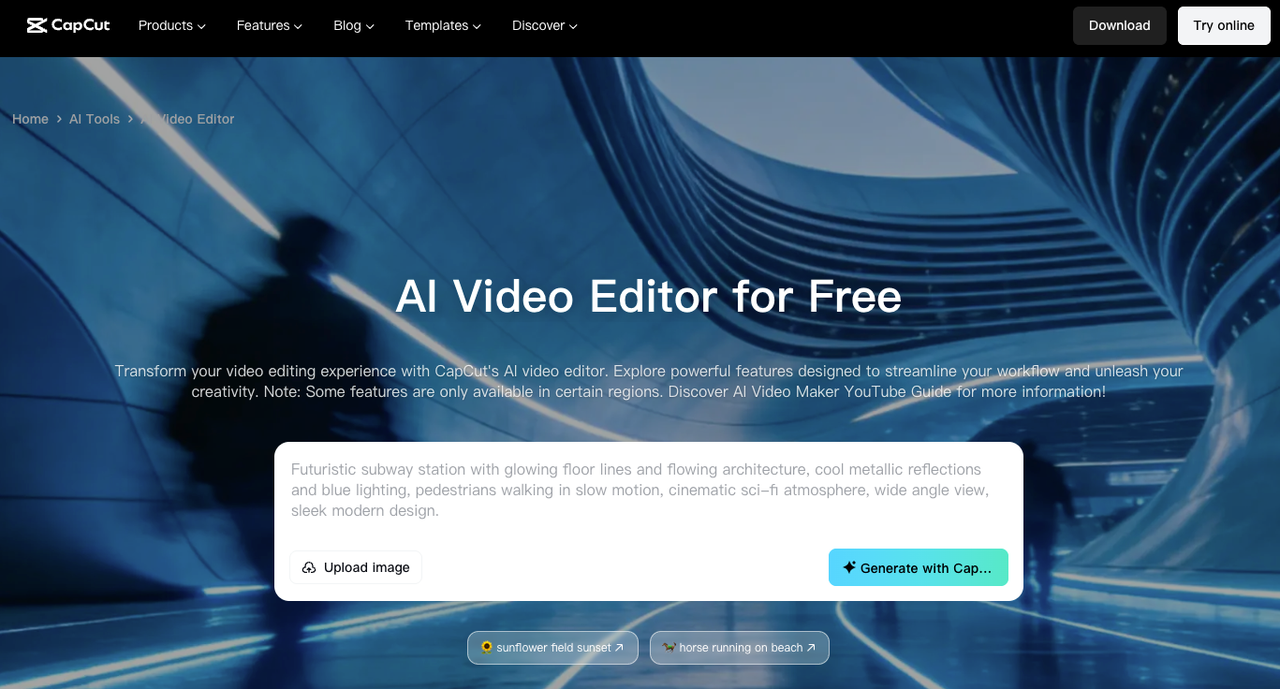
CapCut's AI operates on footage you already have. An ai video agent operates earlier — generating structure, script, and scenes from scratch. CapCut doesn't know your story. An agent starts with the story.
Do I still need a video editor after using an AI video agent?
Yes. Platform-ready output — captions, hook pacing, audio treatment — still needs a final editing pass. Agent handles pre-production; editor handles delivery.
Are AI video agents safe for commercial or brand content?
Paid Anijam plans include commercial use rights; free-tier outputs are non-commercial only. Review the ToS before using outputs in paid campaigns, and check licensing terms for any underlying models the agent routes through.
Conclusion: Watch the Category, Not Just the Tool
The ai video agent category is real. Anijam is the clearest current example — but it's animation-first and not built for live-footage short-form workflows.
What's worth watching: as editing-assistance tools add agentic behavior — session memory, multi-scene awareness, pipeline orchestration — the line between "editing tool" and "agent" will blur. According to Wyzowl's video marketing research, the shift toward prompt-to-publish workflows has already accelerated sharply.
If I had to bet: the tools genuinely useful for high-frequency short-form production in 12 months will have agentic features layered onto footage-based editing — not the other way around.
Previous Posts: